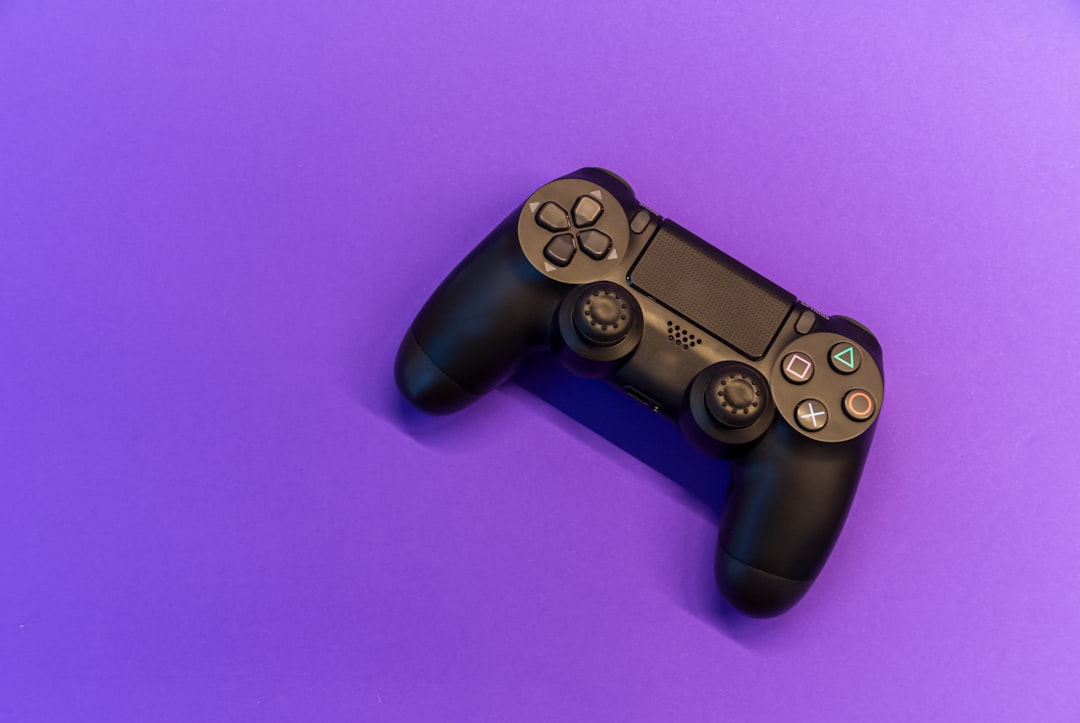

Controller configuration significantly impacts gaming performance and comfort, yet many players never venture beyond default settings. Understanding how to properly customize your controller creates a personalized experience optimized for your playstyle and physical preferences. This comprehensive guide explores the various settings available across modern consoles and how to adjust them for maximum effectiveness.
Understanding Sensitivity Settings
Stick sensitivity determines how much in-game movement results from physical stick displacement. Higher sensitivity enables faster camera movement with less physical input, beneficial for quick reactions in fast-paced games. Lower sensitivity provides finer control for precision aiming but requires larger stick movements for the same camera rotation. Most games offer sensitivity sliders ranging from one to ten or similar scales.
Finding optimal sensitivity requires experimentation and varies by game genre. First-person shooters often benefit from different horizontal and vertical sensitivities, as lateral movement typically requires faster reactions than vertical adjustments. Many professional players use lower sensitivities for better accuracy, compensating for slower turns through improved positioning and awareness. Racing games might prefer higher sensitivities for responsive steering, while strategy games favor lower settings for precise cursor control.
Dead Zone Adjustments
Dead zones represent the area where stick movement produces no in-game response, compensating for controller wear and preventing stick drift. Smaller dead zones increase responsiveness but may cause unintended movement if your controller has developed mechanical issues. Larger dead zones prevent drift problems but reduce input precision and require more deliberate stick movements to register actions.
Testing dead zone settings involves small stick movements to identify the minimum value preventing unwanted inputs. Start with default settings and gradually reduce dead zones until you notice drift, then increase slightly above that threshold. This process ensures maximum responsiveness while maintaining control reliability. Games with built-in dead zone sliders make this adjustment straightforward, though console-level settings affect all titles uniformly.
Button Remapping Benefits
Button remapping assigns different actions to physical buttons, accommodating personal preferences and physical limitations. Default layouts follow conventions established over years, but these standards may not suit everyone's hand size, grip style, or accessibility needs. Modern consoles allow system-level remapping affecting all games, while many individual titles offer in-game remapping options.
Common remapping scenarios include moving frequently used actions to more accessible buttons. Players with smaller hands might benefit from relocating jump or crouch functions to shoulder buttons rather than face buttons, maintaining thumb stick control during these actions. Accessibility considerations drive many remapping choices, enabling players with limited mobility to configure controls matching their capabilities. Experimenting with different layouts helps identify configurations reducing hand fatigue during extended sessions.
Popular Remapping Configurations
Elite controller schemes often place jump on a shoulder button for shooters, enabling simultaneous aiming and jumping. Racing enthusiasts frequently swap acceleration and braking to triggers for more intuitive throttle control. Fighting game players might remap complex button combinations to single inputs, simplifying execution of difficult techniques. Each genre has community-established alternative layouts worth exploring as starting points for personal customization.
Trigger Sensitivity and Travel
Trigger sensitivity affects how much pressure activates trigger functions, while travel distance determines physical movement required for full input registration. Shorter trigger travel reduces input delay but may cause accidental activations. Longer travel provides deliberate control at the cost of slightly slower response times. Some controllers offer physical switches or settings adjusting trigger behavior.
Racing games often benefit from full trigger travel, providing granular acceleration and braking control. Shooters typically favor reduced travel for faster shooting response. Understanding these genre-specific preferences helps configure triggers appropriately for different game types. Controllers with adjustable trigger stops let you physically limit travel distance, offering the best of both approaches through hardware modification.
Vibration and Haptic Feedback
Controller vibration provides tactile feedback for in-game events, enhancing immersion but potentially affecting precision during crucial moments. Some competitive players disable vibration entirely, eliminating the distraction during intense scenarios. Others appreciate the sensory information vibration conveys about game states and actions. Modern haptic feedback systems offer more nuanced vibration patterns than traditional rumble motors.
Adjusting vibration intensity creates middle-ground solutions between full immersion and competitive focus. Lower vibration settings preserve some feedback while minimizing disruption. Game-specific vibration options let you maintain vibration in single-player experiences while disabling it for competitive multiplayer. Testing different vibration configurations across various game types helps identify your personal preference balance.
Response Curve Modifications
Response curves determine how stick input translates to in-game movement, affecting the relationship between physical displacement and virtual response. Linear curves provide consistent response across the entire stick range. Exponential curves offer precision near center with increased sensitivity toward edges. These curves significantly impact aiming feel and movement control.
Experimenting with response curves requires time investment but yields substantial control improvements when properly configured. Linear curves suit players who appreciate consistent, predictable responses. Exponential curves benefit those wanting precise small adjustments without sacrificing quick turn capability. Some advanced games offer custom curve editors, enabling precise tuning of the input-response relationship.
Accessibility Options
Modern consoles include extensive accessibility features ensuring gaming remains available to players with diverse needs. Button hold replacing rapid tapping removes barriers for players with limited dexterity. Stick click alternatives prevent requiring difficult simultaneous inputs. Color blind modes, text-to-speech, and customizable subtitles address visual and auditory considerations.
Exploring accessibility settings benefits all players, not just those with specific needs. Single-stick control schemes, originally designed for limited mobility, sometimes offer comfortable alternatives for extended play sessions. Toggle options for actions typically requiring held buttons reduce hand strain. These features demonstrate how inclusive design creates better experiences universally.
Profile Management
Maintaining multiple controller profiles allows quick switching between games with different optimal configurations. Creating game-specific profiles saves time reconfiguring settings when alternating between titles. Many controllers and consoles support multiple saved profiles, enabling family members to maintain personal preferences on shared systems.
Organizing profiles systematically prevents confusion about which configuration serves which purpose. Naming profiles descriptively helps quick identification. Some players maintain separate competitive and casual profiles for the same game, optimizing differently for ranked matches versus relaxed play. Profile systems maximize configuration flexibility without constant manual adjustment.
Testing and Refinement
Finding perfect settings requires iterative testing and refinement rather than immediate optimization. Make incremental changes, test thoroughly, then adjust further based on results. Changing too many variables simultaneously makes identifying effective modifications difficult. Practice modes and training areas provide ideal testing environments free from competitive pressure.
Recording settings before changes enables easy reversal if modifications prove counterproductive. Many players discover their optimal configuration differs from popular recommendations, emphasizing the importance of personal testing. What works for professional players may not suit your physical characteristics or playstyle. Trust your own experience over generic advice when conflicts arise.
Maintenance Considerations
Controller settings may require adjustment as hardware ages. Stick drift development necessitates dead zone increases. Button wear might warrant remapping frequently used inputs to less-used alternatives. Regular maintenance including cleaning and firmware updates preserves optimal performance, reducing the need for compensatory setting adjustments.
Understanding when performance issues stem from settings versus hardware degradation prevents endless unsuccessful tweaking. If increasing dead zones substantially or constant recalibration becomes necessary, hardware replacement or professional repair likely provides better solutions than further setting modifications. Recognizing these boundaries saves frustration and maintains optimal gaming experiences.
Conclusion
Controller customization transforms gaming from using standardized inputs to personalized experiences optimized for individual needs. Investing time in proper configuration yields long-term benefits through improved comfort, performance, and accessibility. Whether pursuing competitive advantages or simply reducing hand fatigue, understanding available settings empowers you to create ideal control schemes. Approach customization methodically, test thoroughly, and remain open to ongoing refinement as your skills and preferences evolve.